
Anatomy of a .crx
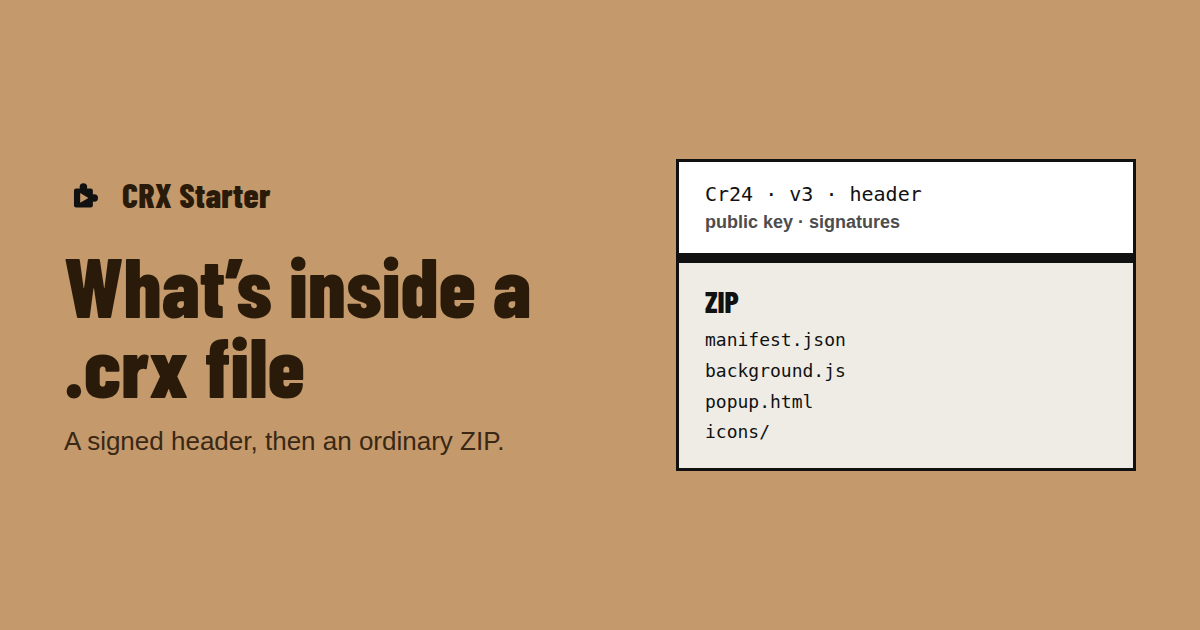
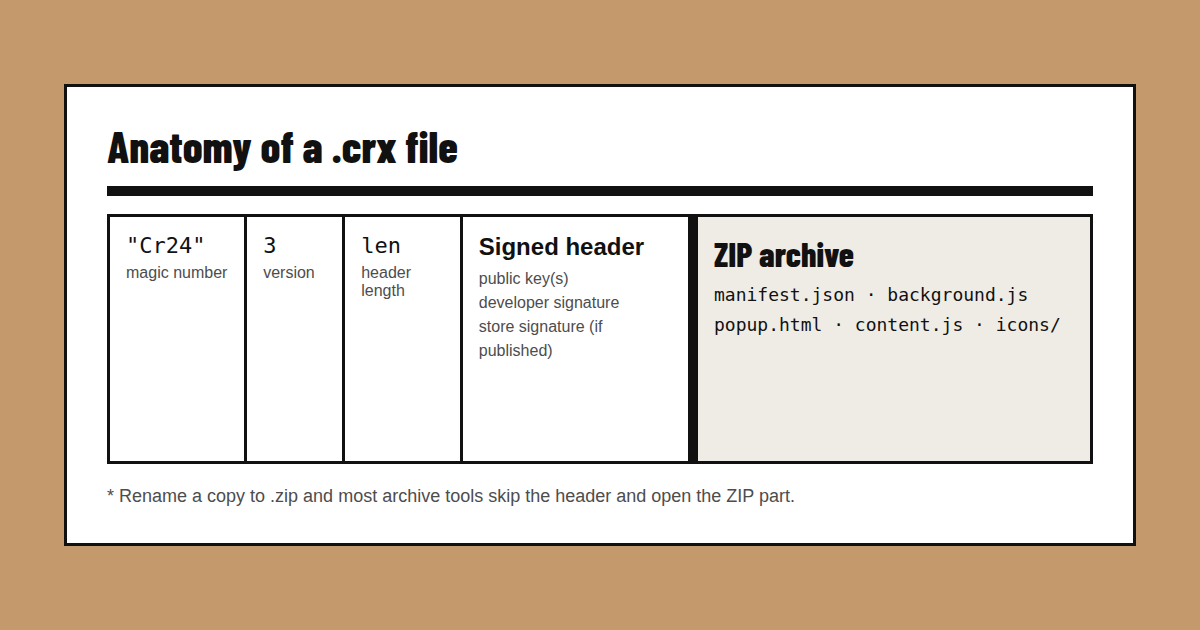
Open a .crx in a hex viewer and the first four bytes read "Cr24" — the magic number. Next comes a format version, the length of the header, and then the header itself. After the header, the rest of the file is an ordinary ZIP archive containing manifest.json and the extension’s files.
CRX2 vs CRX3
The older CRX2 format stored one public key and one signature. CRX3, which Chrome has required for years, stores the header as a structured block that can hold several signatures — the developer’s, and, for extensions published in the store, the Chrome Web Store’s. That second signature is the "proof" Chrome checks; without it you get the CRX_REQUIRED_PROOF_MISSING error.
CRX vs ZIP
| .crx | .zip | |
|---|---|---|
| What it is | Signed extension package | Plain archive |
| Has a signature | Yes, in the header | No |
| Chrome installs it directly | Only if signed by the Chrome Web Store | No |
| Fixed extension ID | Yes — derived from the signing key | No — unpacked IDs come from the folder path |
| Typical source | Store downloads, packed builds | GitHub releases, source archives |
| Runs in CRX Starter | Yes (Manifest V3) | Yes (Manifest V3, manifest.json inside) |
How to open one
- To look inside: copy it, rename the copy to .zip and open it with your archive tool. Most tools skip the header and find the ZIP — use your archive tool as a CRX viewer.
- To read its permissions: open manifest.json and look at permissions, host_permissions and content_scripts.
- To run it in Chrome: open a .crx file in Chrome through CRX Starter — no unpacking, no Developer Mode.
Is a CRX file safe?
A .crx is exactly as safe as whoever made it. The format is only a container; what matters is the code inside and the permissions its manifest asks for. Extensions in the Chrome Web Store go through automated and manual review, and Google can pull one remotely if it turns out to be harmful. A .crx from a coworker, a forum or a download site skips all of that — the honest reason Chrome blocks them by default.
Review isn’t a guarantee either. Harmful extensions have passed review before, and good ones have been sold to new owners who changed what they do. Treat the store as one signal, not proof. Before you install a .crx from anywhere else, check three things:
- 1Where did it come from? A tool your IT team built, a release on the author’s own GitHub project, or a build a developer sent you directly is very different from "free-premium-unlocker.crx" on a download site. If you can’t name who made it, stop there.
- 2What does it ask for? Read its permissions before anything is installed: which sites it can access, which browser features it uses, and what it keeps for itself.
- 3Does that match the job? A ticket previewer that reads one support site: fine. A notes app that wants cookies and every website: ask why.