
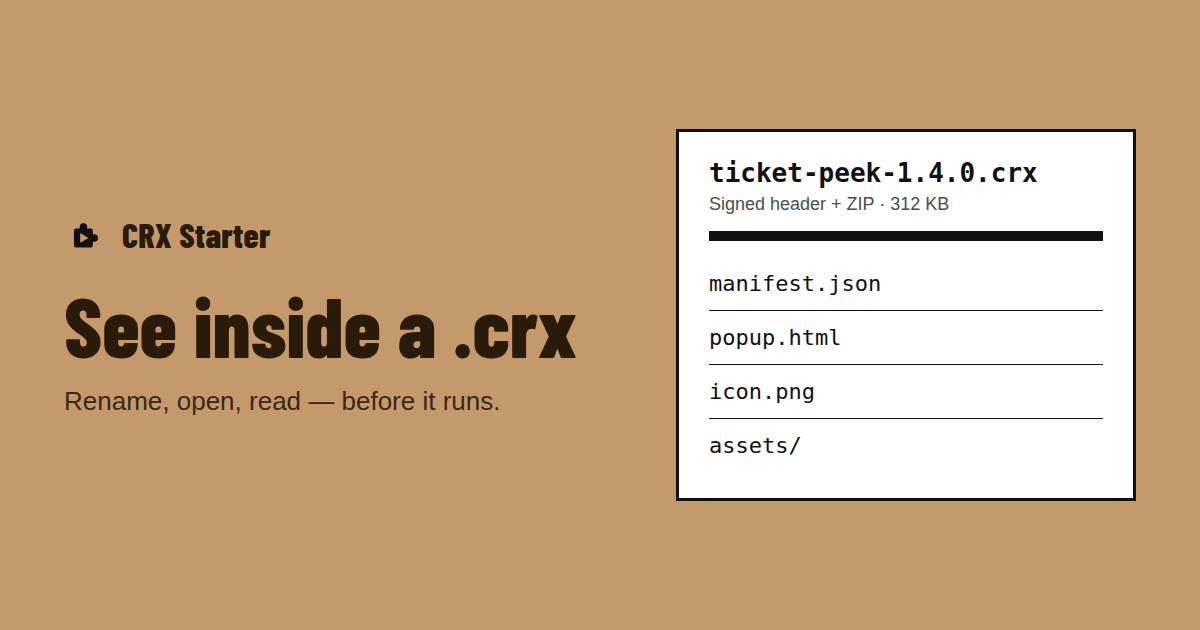
A coworker sends ticket-peek-1.4.0.crx and says it previews support tickets. Before it runs in your browser, it’s fair to want to know what’s in it and what it will be able to touch. That’s what people mean when they search for a CRX viewer — and you can do it with tools you already have.
What you can see inside a .crx
A .crx is a signed header followed by an ordinary ZIP archive. Inside the ZIP are the extension’s files: manifest.json, HTML pages, JavaScript, CSS, icons and sometimes a _locales folder with translations. The header holds the signatures and nothing you need to read. More on the format in the anatomy of a .crx file.
| What you look at | What it tells you |
|---|---|
| manifest.json | Name, version, Manifest V2 or V3, and every permission it asks for |
| content_scripts in the manifest | Which sites its scripts run on |
| background service worker | What runs when no page is open |
| popup / options / side panel pages | What you’ll see when you click it |
| File size | A 300 KB helper and a 30 MB package are different things |
Way 1: CRX to ZIP — rename and open
- 1Make a copy of the .crx, so the original stays untouched.
- 2Rename the copy from ticket-peek-1.4.0.crx to ticket-peek-1.4.0.zip. On Windows, turn on file name extensions in File Explorer first.
- 3Open it with your archive tool: Windows Explorer, macOS Archive Utility, 7-Zip or
unzip. Most of them skip the header and find the ZIP behind it;unzipmay print a warning about extra bytes at the beginning and then list the files anyway. - 4If one tool refuses the file, try another — 7-Zip and
unzipare the most forgiving.
That is all "CRX to ZIP" means: there’s nothing to convert, only a header to skip. Opening the archive doesn’t run anything.
Way 2: read manifest.json
Open manifest.json in any text editor. Check manifest_version first: 2 means Chrome won’t run it any more. Then read three keys: permissions (browser features and its own settings), host_permissions (sites it can access) and content_scripts → matches (sites its scripts run on). If those words are new to you, here is what each Chrome extension permission allows.
Way 3: drop it on CRX Starter and stop at the check
If you were going to install it anyway, CRX Starter reads the package for you before anything is installed. Drop the .crx (or a .zip) into the workbench and it stops at the check: the name, the version, Manifest V3, the file size, where it came from, whether it can update itself, and under What it uses every permission in three plain groups — sites it can access, browser features it uses, its own settings. Cancel throws it away.
Online CRX viewers
There are websites and extensions that open a .crx in a code viewer, including from a Chrome Web Store link. They’re handy for browsing source. Before you use one with an internal tool, check whether it reads the file in your browser or uploads it somewhere — a coworker’s tool may contain addresses and names your company would rather keep inside.
Read it before it runs
Drop the .crx into CRX Starter and stop at the check. Cancel throws it away.
Add to Chrome — It's Free