
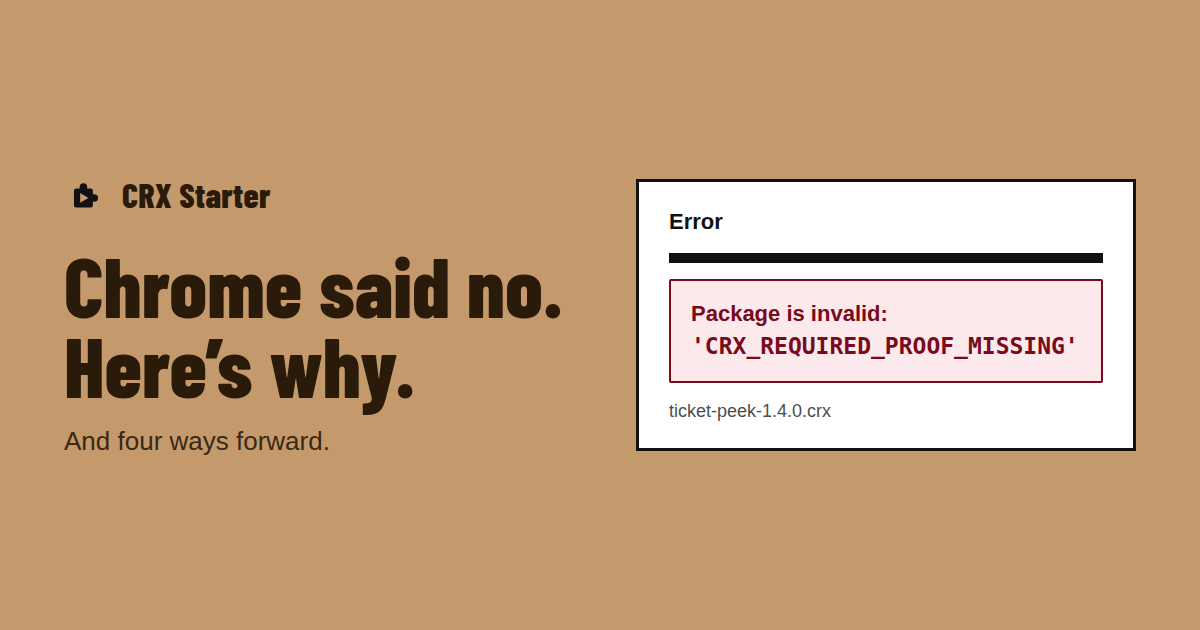
What the error means
You dragged a .crx file onto chrome://extensions and Chrome answered "Package is invalid: CRX_REQUIRED_PROOF_MISSING". The "proof" is a signature from the Chrome Web Store inside the .crx header. Developers sign their own packages with their own key, but Chrome also wants the store’s signature, and only the store can add it when it publishes an extension.
So the error isn’t about a broken file. The package can be perfectly fine; Chrome just won’t install it from a file.
Why Chrome added it
For years, other programs on a computer could drop extensions into Chrome, and adware did exactly that. From Chrome 75 onwards, Chrome requires the store signature for direct installs, so an extension has either been through the store or been allowed by an administrator. It closed a big abuse route, and it also blocked legitimate internal tools and test builds.
Related errors
| Message | What it usually means |
|---|---|
| Package is invalid: CRX_HEADER_INVALID | The header is damaged or the file isn’t a real .crx — often a download that was cut short, or a ZIP renamed to .crx |
| Apps, extensions, and user scripts cannot be added from this website | You clicked a .crx link on a website; Chrome only allows installs from the store |
| This extension is not listed in the Chrome Web Store and may have been added without your knowledge | An extension already on your computer came from outside the store, and Chrome disabled it |
Four ways forward
| Option | Works for | Catch |
|---|---|---|
| Get it from the Chrome Web Store | Anything the author publishes there, public or unlisted | Only if the author publishes it |
| Developer Mode + Load unpacked | Anyone, on any computer they control | Unzip first, keep the folder, Developer Mode stays on |
| Enterprise policy | Managed devices in a company or school | Needs an administrator |
| CRX Starter | Manifest V3 packages on your own Chrome | One package at a time; a few APIs may not work |
If you want to keep Developer Mode off, install the .crx another way: drop it into CRX Starter, read the check, and allow it. CRX Starter doesn’t need the store’s proof because it opens the package itself and runs it inside CRX Starter.
Seeing this error because you’re the one handing out the .crx? Your testers will hit it too. Instead of sending the file, host it and share it with an install link.
Chrome won’t take your .crx?
Add CRX Starter and drop it in. You’ll see what it uses before it installs.
Add to Chrome — It's Free