
What developer mode extensions are
Open chrome://extensions and there’s a Developer mode switch at the top right. Turning it on adds three buttons — Load unpacked, Pack extension and Update — and shows each extension’s ID. Developer mode extensions are the ones you add with Load unpacked: Chrome runs them straight from a folder on your disk instead of installing a package. That’s how developers test their own code, and it’s also the usual workaround for a .zip or .crx that didn’t come from the store. The full routine is in how Load unpacked works.
What triggers the warning
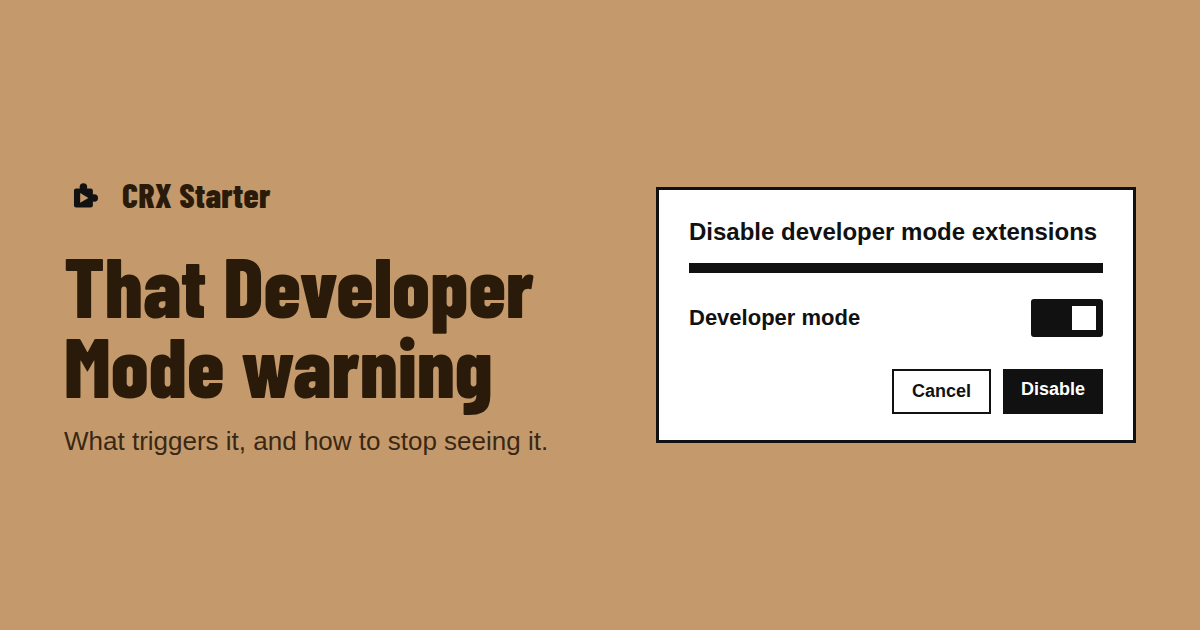
The warning appears when Chrome has extensions loaded through Load unpacked — the developer route where you point Chrome at a folder instead of installing from the store. Chrome treats that code as unreviewed, so it reminds you, sometimes on every start, depending on your Chrome version and operating system.
If you didn’t load anything yourself and still see it, check chrome://extensions with Developer mode switched on: unpacked extensions show a folder path. Something else may have put it there.
Why "Disable" switches off your extension
The button in the warning does exactly what it says: it turns off the unpacked extensions. If you loaded one on purpose — a work tool, a GitHub project — clicking it breaks the thing you wanted, and the warning comes back after you turn it on again.
Policies and patches
On managed computers, an administrator can install extensions by policy, which doesn’t produce this warning. Around the web you’ll also find instructions to patch Chrome’s program files to hide the popup. We don’t recommend it: it breaks with every Chrome update and means running a modified browser.
The clean alternative
Remove the unpacked extension and switch Developer mode off. Then run a ZIP without Developer Mode: CRX Starter is installed from the store, and the package you drop in runs inside it, so there is nothing unpacked for Chrome to warn about. You also get to read its permissions first.
Turn Developer Mode off for good
Run your .zip or .crx through CRX Starter instead.
Add to Chrome — It's Free